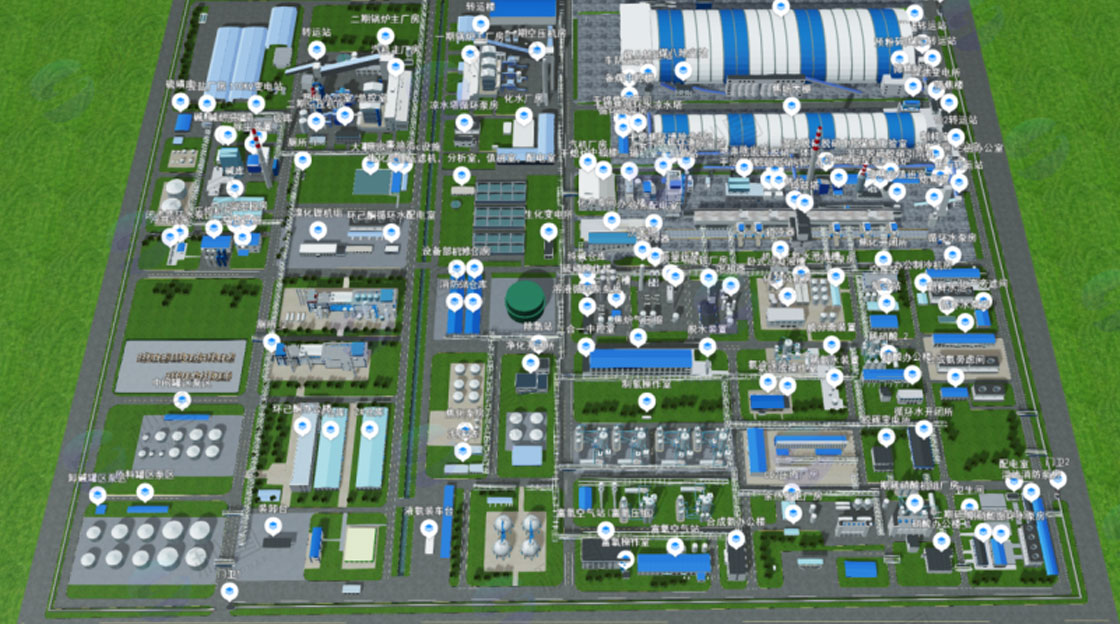
Digital Twin 3D Scene Construction Solution for Logistics Warehousing Centers
1. Project Background
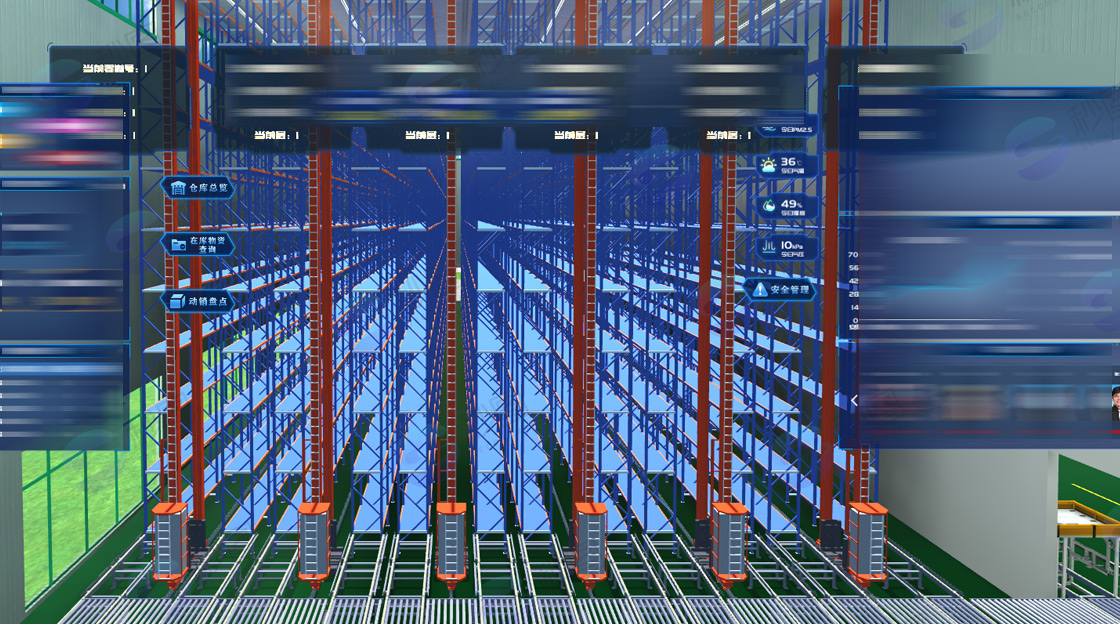
With the rapid development of the logistics industry, the demand for intelligent warehousing management is growing. Digital twin technology constructs virtual models corresponding to physical entities, reflecting their status and operating conditions in real-time, providing an effective means to optimize warehousing management. This solution aims to build a three-dimensional scene of a digital twin platform for a logistics storage center, implementing functions such as warehouse floor area identification, electronic fence identification, AGV cart positioning, personnel positioning, forklift positioning, rack numbering and status, camera position interaction, and smoke alarm, to enhance the visualization and intelligence level of warehousing management.
2. Requirement Analysis
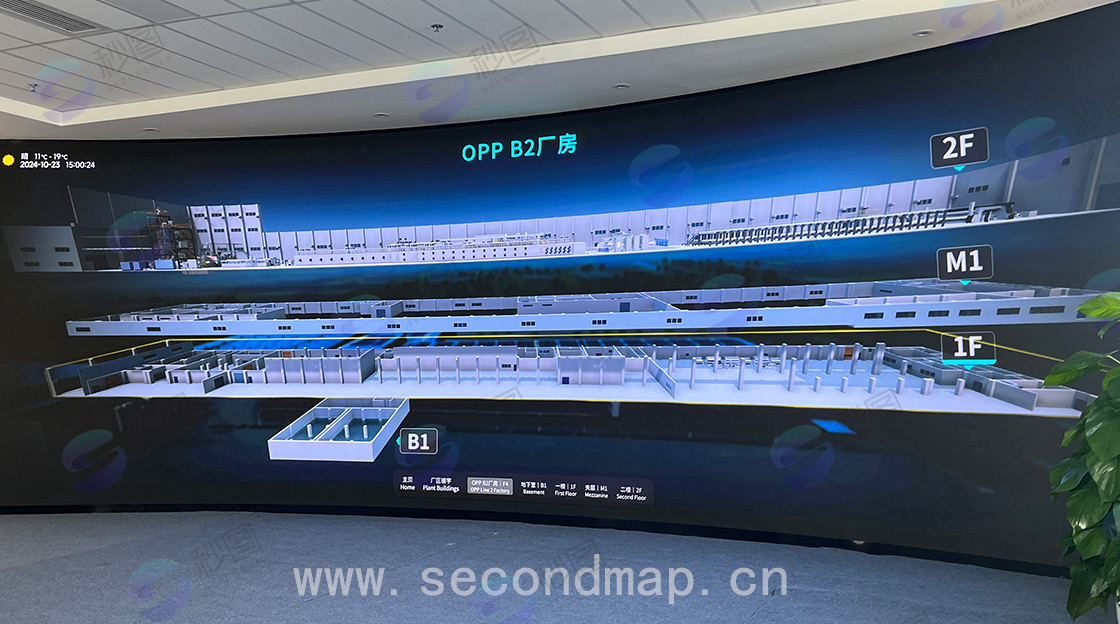
Warehouse Floor Area Identification: Clearly display different functional areas within the warehouse, such as storage areas, sorting areas, aisles, etc.
Electronic Fence Identification: Set boundaries for specific areas to provide timely warnings when objects enter or leave.
Equipment and Personnel Positioning: Real-time acquisition of position information for AGV carts, personnel, and forklifts, accurately displayed in the three-dimensional scene.
Rack Numbering and Status: Number storage racks and display their storage status (full/empty) in real-time.
Camera Position Interaction: Click on camera icons to view real-time surveillance footage.
Smoke Alarm: When smoke is detected, highlight the alarm location in the three-dimensional scene and issue an alarm.
3. Technology Selection
3D Modeling Software: Select 3ds Max or SketchUp for creating warehouse 3D models. They have powerful modeling capabilities and rich plugin resources, enabling rapid construction of complex scenes.
Game Engine: Adopt Unity or Unreal Engine as the development engine for the digital twin platform. Unity has good cross-platform capabilities and is easy to learn; Unreal Engine excels in graphics rendering. The choice can be made based on project requirements and team technology stack.
Positioning Technology:
AGV Cart Positioning: Utilize laser navigation, visual navigation, or magnetic strip navigation technologies to obtain position information of AGV carts, and transmit data to the platform through serial communication or wireless networks.
Personnel Positioning: Adopt Bluetooth positioning or UWB (Ultra-Wideband) positioning technologies. Equip personnel with positioning tags to achieve high-precision positioning.
Forklift Positioning: Combine GPS positioning and indoor positioning technologies (such as iBeacon) to ensure accurate acquisition of forklift positions both inside and outside the warehouse.
Data Communication: Use protocols such as MQTT and WebSocket for data transmission to ensure real-time and stable data.
Database: Select MySQL or MongoDB to store device information, location data, alarm records, etc., making reasonable choices based on data structure and query requirements.
4. Data Collection and Processing
Warehouse Model Data: Obtain warehouse dimensions, layout, and other information through field measurements, CAD drawings, and other methods, and import into 3D modeling software for model creation.
Equipment and Personnel Location Data: Positioning devices collect real-time location information of AGV carts, personnel, and forklifts. After data cleaning and preprocessing, the data is transmitted to the digital twin platform.
Rack Status Data: Monitor cargo storage conditions on storage racks through sensors, and transmit rack status information to the platform for updates.
Camera Video Data: Connect camera devices to obtain real-time video streams, and forward through video stream servers to achieve interaction with the 3D scene.
Smoke Alarm Data: When smoke sensors detect smoke, transmit alarm signals to the platform, which identifies the signal location in the 3D scene.
5. 3D Scene Construction Process
Warehouse Model Creation:
Use 3D modeling software to create warehouse building models according to actual dimensions and layout, including walls, ceilings, floors, shelves, etc.
Apply materials and textures to the models to make them more realistic.
Divide warehouse floor areas and set different colors or identifiers for different functional areas.
Electronic Fence Setup: In the 3D scene, define electronic fence areas by drawing polygons or circles and set corresponding trigger rules.
Equipment and Personnel Model Creation: Create 3D models of AGV carts, personnel, and forklifts, adjusting according to actual dimensions and appearance.
Positioning System Integration: Connect data collected by positioning devices to the digital twin platform. Map location information to the 3D scene through coordinate conversion to achieve real-time positioning display of equipment and personnel.
Rack Numbering and Status Display: Assign unique numbers to each storage rack and update rack status in real-time based on sensor data. Display full/empty status in the 3D scene with different colors or icons.
Camera Position Interaction Implementation: Add camera models in the 3D scene and associate them with actual camera devices. When clicking on camera models, obtain and display real-time surveillance footage through the video stream server.
Smoke Alarm Function Integration: Connect smoke sensors with the digital twin platform. When receiving alarm signals, highlight the alarm location in the 3D scene with flashing red icons or other prominent identifiers, and issue sound alarms.
6. System Testing and Optimization
Functional Testing: Test functions such as warehouse floor area identification, electronic fence identification, AGV cart positioning, personnel positioning, forklift positioning, rack numbering and status, camera position interaction, and smoke alarm one by one to ensure all functions operate normally.
Performance Testing: Test system operating performance under different loads, including frame rate and response time. Optimize scene rendering and data transmission efficiency to ensure smooth system operation.
Compatibility Testing: Test on different devices (such as computers, tablets) and operating systems to ensure system compatibility.
User Feedback and Optimization: Collect user feedback during usage and continuously optimize and improve the system.
7. Project Implementation Plan
Phase 1: Complete warehouse 3D model creation, electronic fence setup, and equipment and personnel model creation. Time period: [specific time interval 1].
Phase 2: Integrate positioning system and implement rack numbering and status display. Time period: [specific time interval 2].
Phase 3: Complete camera position interaction and smoke alarm function integration. Time period: [specific time interval 3].
Phase 4: Conduct system testing and optimization. Time period: [specific time interval 4].
8. Summary
This solution constructs a comprehensive 3D scene of a digital twin for a logistics storage center through reasonable technology selection and detailed implementation steps, effectively enhancing the efficiency and visualization level of warehousing management. During implementation, continuous optimization and improvement based on actual conditions are needed to ensure successful project delivery and application.