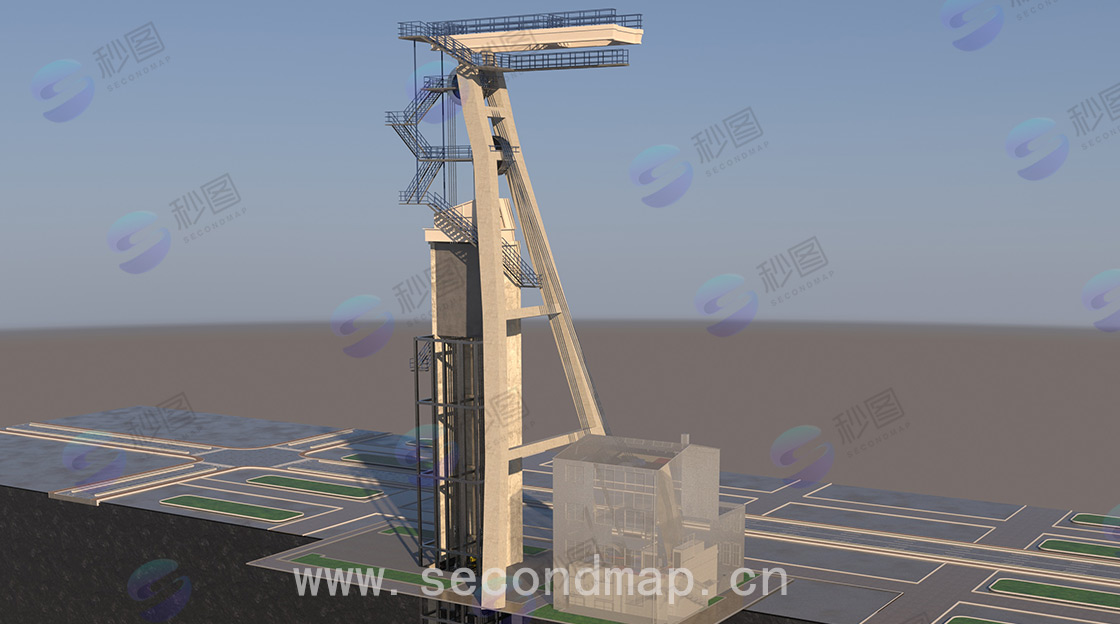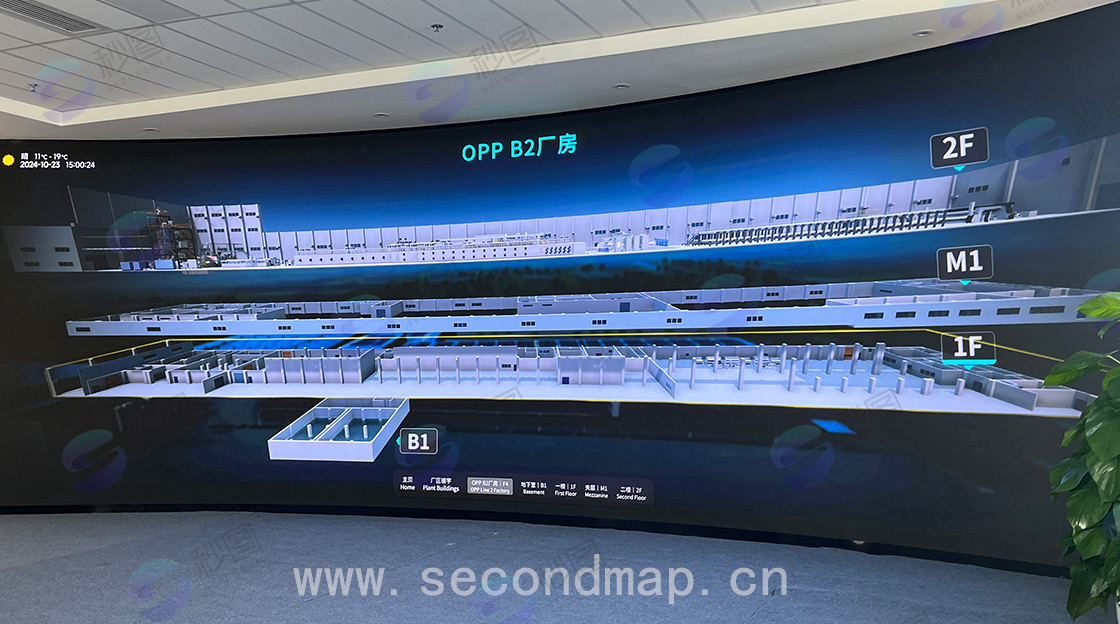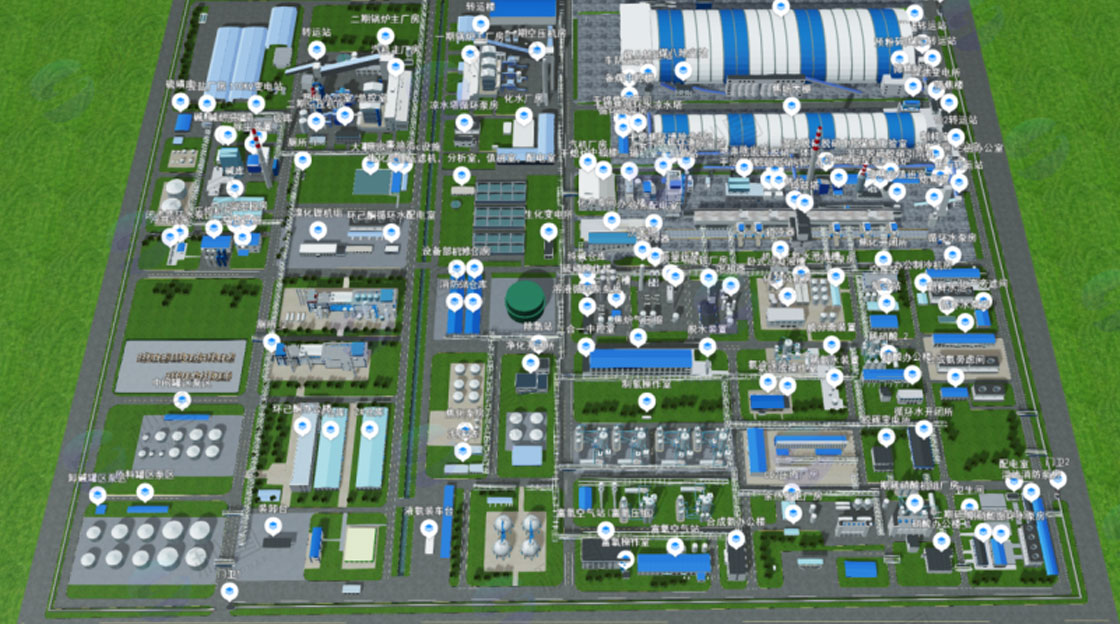
Lightweight 3D Models
In digital twin scene applications, model size has always been a key factor affecting usability. Common lightweighting methods include:
1. Eliminate unnecessary factors in the model. Areas that cannot be seen can be deleted. Remove unnecessary geometry to reduce the model size without affecting the overall effect of the model.
2. Split the 3D model and classify it by functional areas, loading the scene in steps.
3. Optimize mesh models to reduce model size and discretization. Reduce overlapping faces between models.
4. Lightweight through reducing the number of model vertices.
5. Optimize texture maps to reduce file size.
6. Simplify animations, keeping only objects that need to move, and merging static objects.
Google's Draco compression algorithm greatly reduces model size. The Draco algorithm can compress vertex positions, normals, colors, texture coordinates, and other content of models in Gltf/glb formats. This improves the efficiency and speed of transmitting 3D content over the network. KHR_draco_mesh_compression is a common compression method in the Draco algorithm. When using the Draco algorithm, image quality issues should be considered, as models processed with the Draco algorithm may experience image quality loss. The same model exported as glb and gltf may have different sizes, with glb format being smaller than gltf.
In addition to the Draco algorithm, related modifiers built into software can be used for initial lightweighting during model processing. For example, professional optimization commands in 3ds Max can first count the number of model vertices, and reduce the model size by reducing the number of vertices. A similar optimization modifier controls the number of model faces through the "face threshold" in the parameter panel. Higher parameter settings result in fewer model faces, and vice versa. The premise of using commands to reduce faces should be to ensure that model accuracy is not affected. Blender also has a similar modifier - the Decimate modifier, which provides three optimization methods: collapse, unsubdivide, and planar. Collapse is the most common, achieving face reduction optimization by controlling the ratio. Before using collapse, vertices should first be merged so that all model vertices are connected. Unsubdivide is used for models that have been over-subdivided, reducing the number of subdivisions through reverse subdivision. Planar controls the number of faces through the angle between faces - the higher the angle, the fewer faces accordingly. Two contacting objects can use Boolean operations to delete overlapping areas in the middle, thereby reducing model size.
In addition to the lightweighting tools built into 3D software, software such as MeshLab also provides lightweighting services. MeshLab's main function is to generate 3D models through 3D point cloud information, supporting export to 3D formats such as obj. After processing point cloud models, the model can be face-reduced and optimized.
For models generated by tools such as ZBrush, the computational load for face reduction is large, and direct face reduction can easily cause computer freezing. In this case, topology tools can be used to reprocess the model based on the original. Common plugins such as Quad Remesher can manually draw or directly generate topology models. The topology-processed model will generate a new one, and the original model's UV cannot be inherited. UV needs to be re-unwrapped.
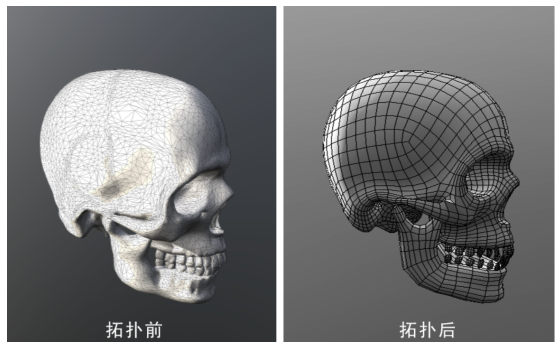
In addition to topology, which directly adjusts models, software such as Substance Painter and Marmoset Toolbag can be used for high-poly baking to low-poly methods to achieve lightweighting effects. High-poly models can be sculpted using Substance Painter or Blender, ultimately generating a normal map that bakes the details of the high-poly model onto the low-poly model.
There are many methods for model lightweighting processing. Different operations can be performed according to different requirements. Reasonable use of lightweighting tools is conducive to further improvement of digital twin models.