Requirements for 3D modeling and handheld camera photo acquisition
1. Introduction
Handheld camera photos are mainly used for on-site detail supplementation in 3D modeling, especially for texture material collection. This document is applicable to field collection personnel.
2. Preparation Before Shooting:
1. Shooting Equipment:Prioritize using high-definition digital cameras or mobile phones with shooting pixels greater than40 millionpixels. The higher the pixel count, the better. Confirm the battery before shooting;
2. Shooting Range:Prepare aerial photos orCADplanning maps. Before shooting, each person should mark their designated shooting area on the map (clearly indicating area numbers and building numbers) to clarify their shooting range.
3. Shooting Environment:Ensure adequate lighting in the on-site environment. Try to choose weather with relatively soft and even lighting for shooting to reduce color differences. Clear any obstructions that block the shooting subject;
4. Battery and Storage:Before each photo shoot, check if the battery is fully charged to ensure sufficient power to sustain the shooting time. After shooting, promptly recharge the battery and don't wait until the next person needs to use it and finds it has no power, causing delays. Additionally, remember to bring storage cards when shooting to avoid situations where the storage card is not reinserted into the camera after copying photos. After shooting, promptly back up the day's collected photos from the storage card to the project management folder to avoid accidental file deletion.
3. Shooting Principles
3.1 General Principles
1. Pixel dimensions should not be lower than3000×4000pixels to ensure clarity.
2. Buildinginteriorfacade should be shot head-on as much as possible to avoid excessive perspective angles.
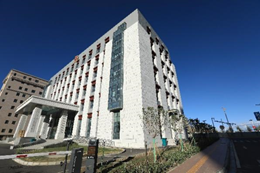
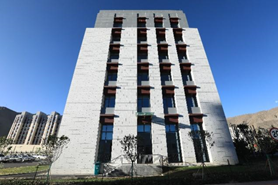
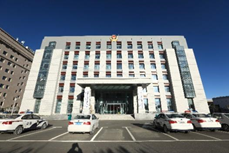
3. Eachwall or objectshould be shot with at least8photos (starting from the front facade, take one photo every45°), and if the building facade is long or tall, the camera needs to be shifted to take additional photos. Ensure photo coverage includes every corner of each facade of the building.
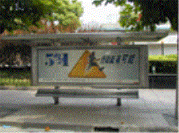
4. If specific logos orLogosneed to be represented in the model, close-up shots of the corresponding parts are required.
5. All photos should avoid local overexposure or overly dark lighting.
6. Try not to include people in the photos.
7. Pay attention to the light angle when shooting, avoid shooting against the sun.
8. More photos are better.
3.2 Shooting Route
1. Outdoor scenes and indoor scenes should be shot separately. Each outdoor and indoor area should be shot continuously for easy viewing;
2. Each shooting session should start from the entrance and end at the entrance. Start from the beginning position, go around the site, and finally return to the starting point;
3. Try to shoot around the site in one continuous sequence, avoiding random movement;
4.Shoot each face of the key parts along the way;
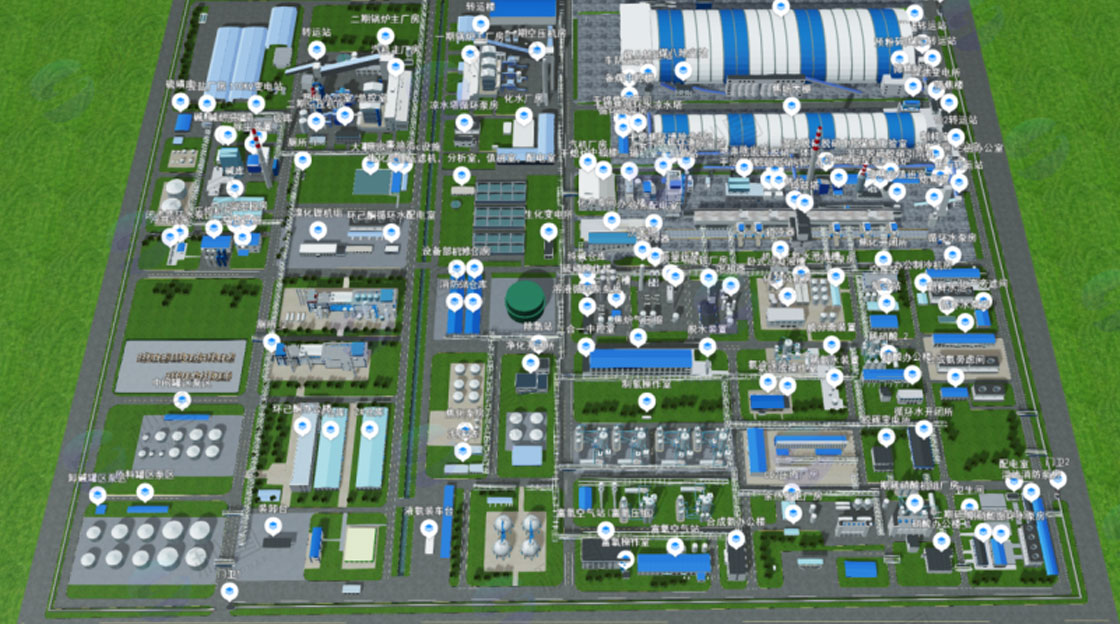
Taking a similar chemical plant distance as an example, shooting from entering the gate to returning to the gate, the entire route is illustrated as follows:
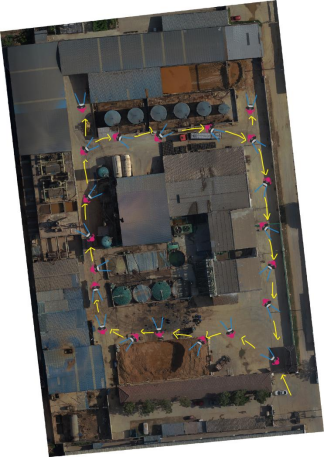
Figure Route Diagram
3.3 Single Target Object Shooting
Taking buildings as an example here:
1. Detailed photo collection of buildings can be done with mobile phones, but DSLR cameras are better. Take multiple photos from each angle to capture architectural perspectives. (Mobile phone shooting notes: Increase the phone's pixel setting, and after taking photos, record a video of each building);;
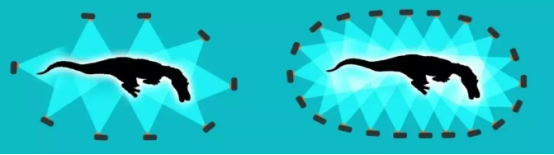
Figure More Angles Provide Richer Details
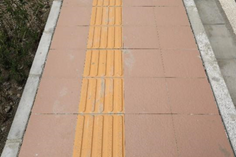
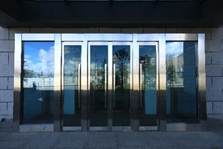
2. Shoot building material textures, such as: tiles, doors and windows, glass doors, etc. (to facilitate later production of realistic building materials to restore true texture);
3. Each building ultimately needs a360-degree panoramic shoot, with multiple clear photos taken from each angle according to the diagram above;
4. For final submission, create folders by floor number and name, and photograph each building with 360-degree photos, close-ups of doors, windows, and tiles, and finally details such as main entrances, main roads, flower beds, street lights, trash cans, and fire hydrants.
|
|
Angle1 | Angle2 |
| |
Angle3 | Angle4 |
| |
Detail1 | Detail2 |
|
|
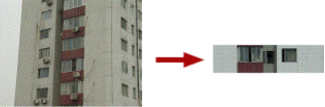
Shoot local facade (front angle) to create facade textures | Ornament detail textures |